Table-layout HTML. Renders in Outlook 2016.
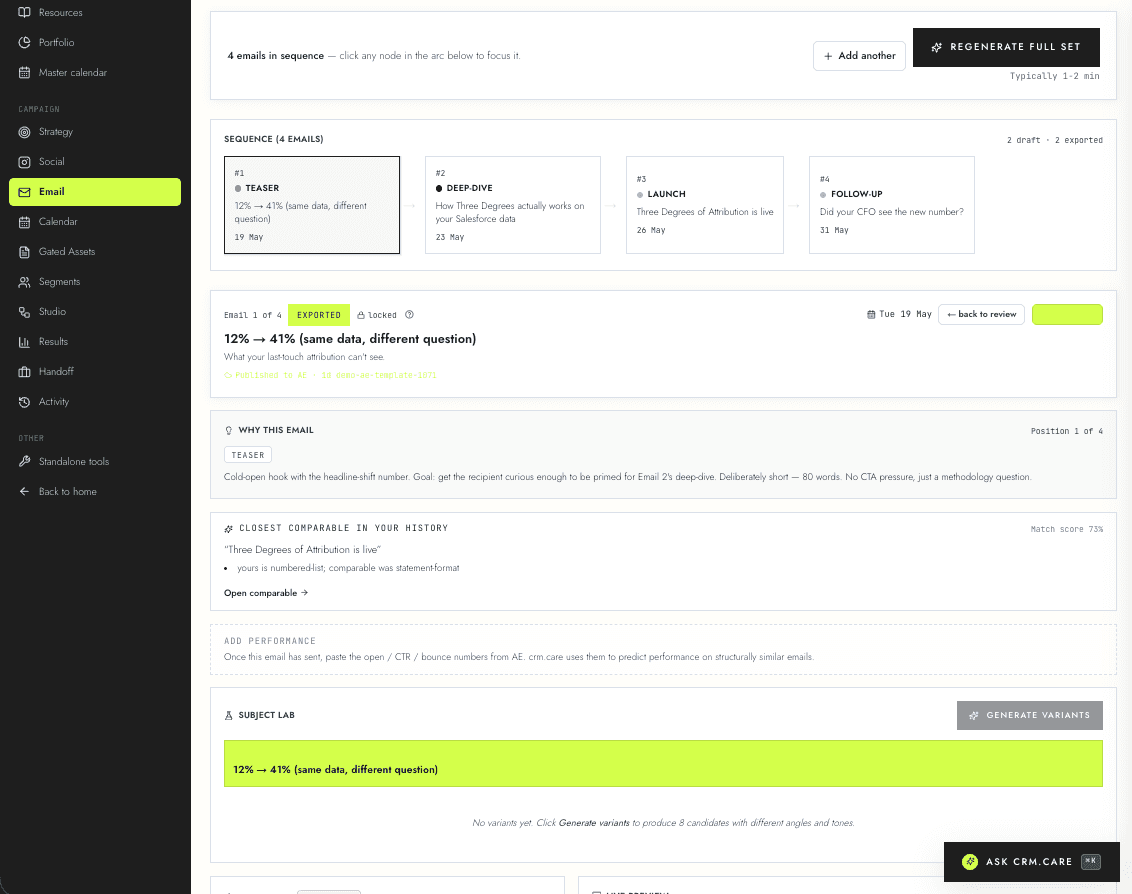
Direct publish to AE templates with the table-layout HTML that actually renders. No div-soup. No copy-paste. No 'this broke in Outlook' the morning of.
The problem
ChatGPT and Claude both produce email HTML using div-based layouts. Account Engagement accepts the upload. Outlook 2016 destroys it — paragraphs misaligned, images sized wrong, background colours dropped, buttons rendering as raw URL text. You find out the morning of the send when the customer-success team replies 'looks weird in my email.'
The campaign goes out anyway because the send-time has passed. You promise to 'fix the templates' before the next launch. The next launch, AI generates a fresh batch of HTML, the same problem happens again. With ten emails per campaign that's hours of hand-fixing.
This is the bit of marketing-automation work that everyone hates and nobody talks about publicly. AE's interface for editing email HTML is a textarea. Once HTML is broken, you fix it by hand.
How it works
The HTML the platform emits
crm.care emits table-layout HTML. Nested <table> elements with role='presentation'. All CSS inlined onto every element that needs it. Hard-coded widths in attributes (not just styles) because Outlook's CSS parser ignores certain shorthand declarations. Graceful degradation for Outlook's specific quirks.
Three decades of email-HTML hard-won wisdom baked into the generator. The output is not pretty by 2026 web standards — it looks like 2008. That's the point. The email rendering pipeline at Outlook is the bottleneck.
Publish to AE — one button
Click 'Publish to Account Engagement' on the email page. The template lands in AE tagged to the right campaign, attached to the right business unit, with the right HTML structure. Engagement programmes can reference it. List emails can use it. One-to-one sends can use it. Nothing to copy-paste.
Re-publishing the same email idempotently updates the existing AE template rather than creating a duplicate. Re-publishing into a different business unit refuses, since you almost certainly didn't mean to.
The pre-publish gate
Every publish runs the workspace's calendar-conflict rules first. Trying to publish two emails on the same day with a daily cap of one returns a 409 with a clear reason — not a silent failure, not a quiet override. The operator can change the schedule, change the rules at /campaigns/scheduling-rules, or override with confirmation for warning-level conflicts.
Blocker conflicts (e.g. frequency-cap-breach) can't be overridden client-side. The schedule has to move or the rule has to change.
Why it matters
The 'it looked broken in Outlook' moment is the single most common reason a marketing operator loses trust in their tooling. Fixing it preserves the operator's credibility with the rest of the team — they can ship without hand-checking every render.
crm.care is the only AE-adjacent tool (we've audited the alternatives) that ships table-layout HTML directly. Marketo, HubSpot, and the various WYSIWYG editors either bypass AE entirely or require additional installation. None of them solve the rendering problem at the source.
Related features
See it in your own workspace.
Free 7-day trial. No card. The brief flow takes about five minutes to ship your first campaign — and account engagement publishing kicks in from day one.